Mepcco-Bill Shows You Every Way to Pay MEPCO Bills
There is usually no shortage of ways to pay an electricity bill. The problem is knowing which one actually makes sense when the bill is sitting in front of you and you just want the payment done.
I have noticed this while working through MEPCO consumer questions. One person wants to pay from a mobile wallet. Another already has internet banking open. Someone else has cash in hand and would rather walk into a bank than deal with an app.
And then there is the awkward situation where the payment appears to go through, but the bill still looks unpaid.
MEPCO has online payment and duplicate-bill facilities, while its customer-service material also provides information about payment and billing services. The useful part for a consumer is not simply knowing that digital payment exists. It is knowing what information to check before paying and what to do when something goes wrong.
At mepcco-bill.pk, I look at bill payment from that practical angle. The bill itself comes first. The payment method comes second.
1. The Main Ways You Can Pay a MEPCO Bill
You don’t necessarily need to visit an office every month to settle a MEPCO bill.
MEPCO’s published customer-service information confirms that online payment facilities are available to consumers. Its consumer-service documentation also refers to banks and other financial institutions as places where bills can be paid.
In practical terms, MEPCO consumers may encounter several payment routes depending on the bank, wallet, service, and facilities available to them.
| Payment method | What you generally need | Useful when |
|---|---|---|
| Mobile wallet | Reference number and wallet account | You want to pay from your phone |
| Mobile banking | Bank account and reference number | You already use your bank’s app |
| Internet banking | Online banking access and bill details | You prefer a browser |
| ATM | Bank card and bill information | You want to pay without visiting a branch |
| Bank branch | Bill or reference details and payment amount | You prefer cash or counter service |
| Other authorized financial channels | Bill/reference information | Your preferred payment provider supports MEPCO |
The exact menu names differ between financial services. That matters because online guides sometimes give a rigid sequence of buttons that becomes outdated when an app changes its design.
The basic process stays much simpler:
Select electricity bill payment → choose MEPCO → enter the reference number → check the retrieved bill details → confirm payment → save the receipt.
That last part is worth doing every time.
Keep the transaction reference.
2. Mobile Wallets and Banking Apps Are Convenient, But Check the Account First
Paying from a phone is probably the easiest option for people who already use digital financial services.
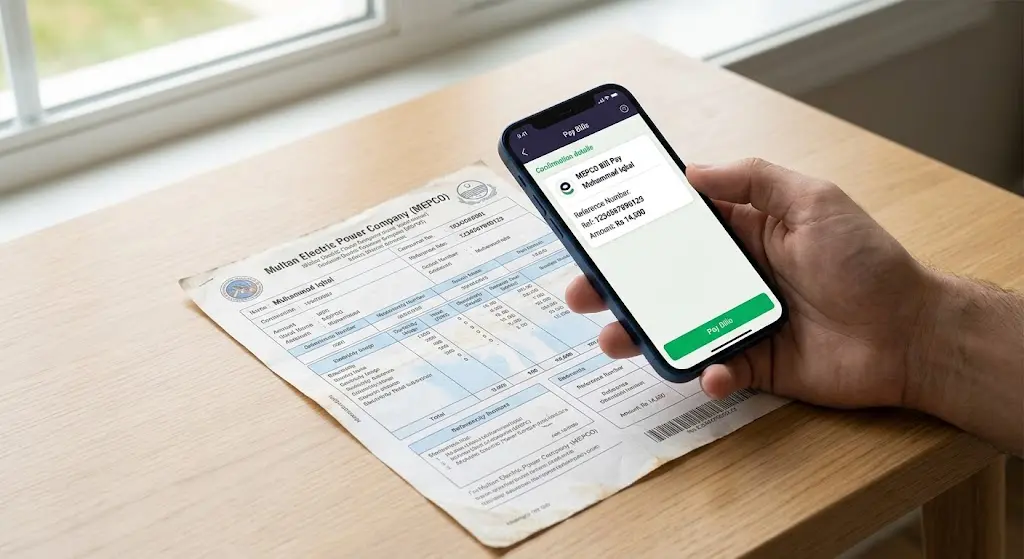
You generally start by opening the bill-payment section of your wallet or banking app, selecting electricity, choosing MEPCO, and entering the reference number shown on the bill.
The important step comes before you press the final payment button.
Check the information returned by the system.
At minimum, look at the consumer name and payable amount. If the details don’t match the bill you are holding, stop there.
This is one of those tiny checks that feels unnecessary until it saves you from making the wrong payment.
I would also avoid relying on screenshots of someone else’s payment instructions. Banking and wallet applications change their menus, and a third-party post can easily contain an old screen or an incorrect sequence.
Use the current interface of your financial provider and verify the bill details it retrieves.
MEPCO’s own customer-service information also confirms that online payment is part of its consumer facilities.
For readers who use mepcco-bill.pk to check their bill before paying, the same principle applies: first establish what the bill says, then choose how you want to settle it.
That separation makes the process easier to troubleshoot later.
3. Paying Through a Bank Still Makes Sense
Digital payment hasn’t made the traditional bank route irrelevant.
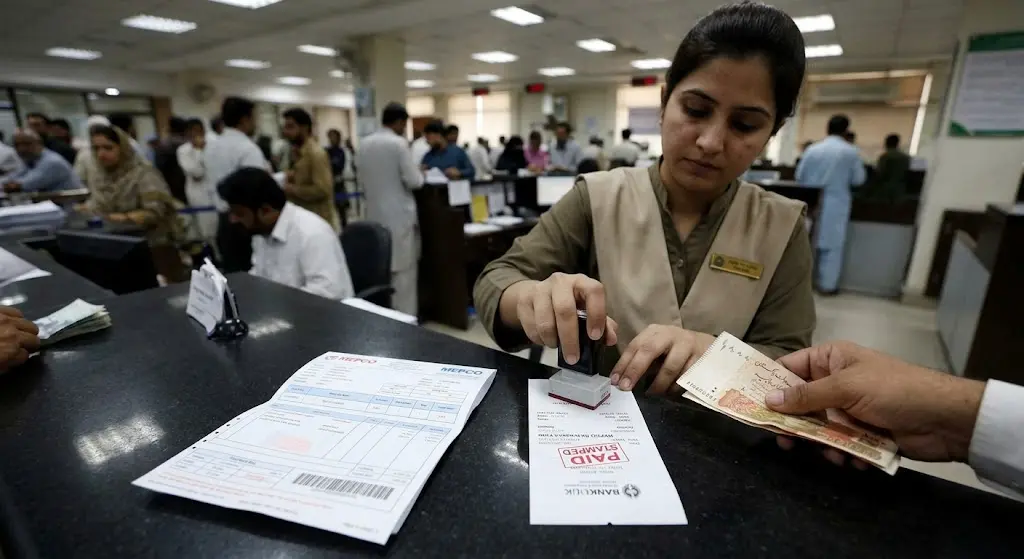
Some consumers are more comfortable paying at a branch, particularly when they are already handling other banking work. Others simply prefer having a physical receipt in their hand.
MEPCO’s consumer-service documentation specifically recognizes banks and other financial institutions as bill-payment points.
If you are paying at a branch, take the current bill with you when possible. Make sure the reference number and payable amount are visible.
Then keep the stamped or issued payment receipt.
This is especially useful if the payment later fails to appear correctly on your account.
There is a small side issue here that people don’t always think about. A receipt is not just proof that you handed over money. It also gives you information that can help customer service trace a payment if there is a dispute.
So don’t throw it away immediately.
If you are paying several household bills at once, check each reference number separately. Mixing two similar-looking electricity accounts is an easy mistake when you’re moving quickly.
4. What You Should Check Before Paying
The payment method gets most of the attention, but the bill itself deserves a quick inspection first.
MEPCO’s consumer-service material defines the amount payable within the due date separately from the amount payable after the due date, with late payment surcharge included in the latter.
That means the amount you see on a bill can change depending on when you make the payment.
Before paying, check:
- Consumer name
- Reference number
- Current bill amount
- Due date
- Amount payable after the due date, if applicable
- Any arrears shown on the bill
- Payment status after the transaction
The reference number deserves particular attention.
If you type one digit incorrectly, the payment service may retrieve a different account or fail to retrieve the bill at all. Don’t assume that a familiar-looking amount means the account is correct.
Check the name.
Check the amount.
Then pay.
And if something looks wrong, stop rather than trying to fix it after the transaction.
5. Here Is Where People Usually Go Wrong
The most common mistake isn’t choosing the “wrong” payment method.
It is treating every payment problem as if it means the payment failed.
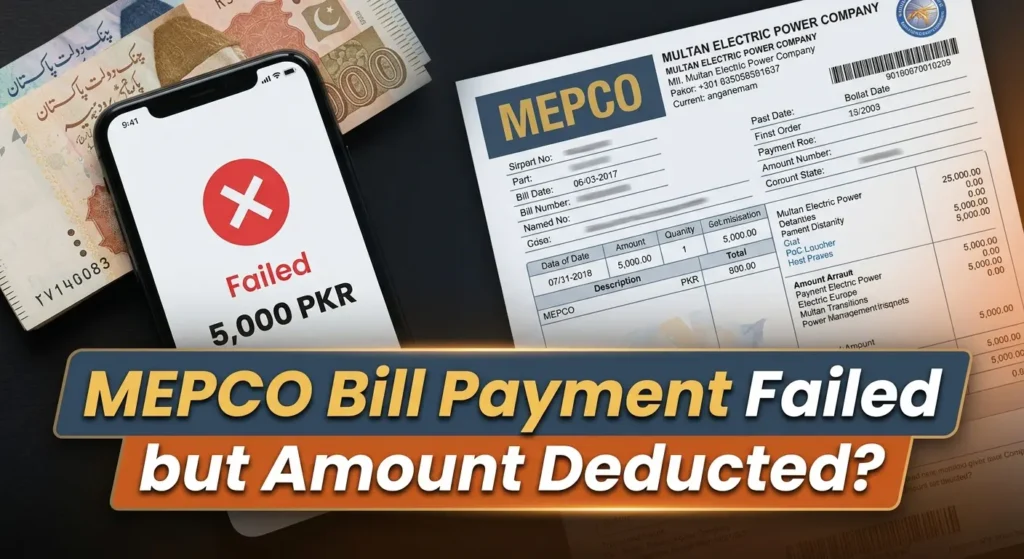
Suppose your bank account has been debited but the MEPCO bill still appears unpaid.
Don’t immediately submit the payment a second time.
First check the transaction status in your bank or wallet. Look for the transaction reference, date, amount, and whether the transaction is marked successful, pending, reversed, or failed.
Keep the evidence.
If the financial provider shows a successful transaction but the billing record has not updated, contact the relevant provider or MEPCO customer-service channel with the transaction details rather than paying again without checking.
MEPCO publishes 0800-63726 as its customer-service contact, and its telephone directory lists 118 or 0800-63726 for online complaints.
There is another mistake worth mentioning.
People sometimes lose the receipt because they assume the bill disappearing from the app is enough.
Maybe it is.
But keeping the transaction reference costs almost nothing, and it gives you something concrete to provide if the payment needs to be traced later.
6. What If You Need Help After Paying?
This is where having the right information matters more than having a long explanation.
MEPCO’s customer-service system includes complaint and facilitation channels, while its published material identifies online complaints and customer-service contacts.
If you need to contact MEPCO about a payment-related issue, have these details ready:
- Your MEPCO reference number
- Consumer name
- Bill amount
- Date of payment
- Payment channel used
- Transaction ID or reference
- Screenshot or receipt, if available
- Current status shown by your bank or wallet
Don’t simply tell the representative, “I paid but it isn’t showing.”
Give them the transaction details.
That changes the conversation from a general complaint into something that can actually be checked.
If the issue concerns the bill itself rather than the payment, previous bills can also help. MEPCO says its electricity bills provide consumption and payment history, and its customer-service material includes bill-correction facilities.
For a broader look at contacting MEPCO, the site’s guide to [MEPCO helpline and complaint contacts]MEPCO helpline and complaint contacts is useful alongside the official MEPCO contact information.
7. Don’t Confuse Bill Checking With Bill Payment
This distinction sounds almost too obvious, but it causes confusion.
Checking your MEPCO bill tells you what the billing system says you owe.
Paying the bill is a separate transaction.
You can check a bill online and then pay it through your bank. You can also obtain a duplicate bill and take that information to a payment channel.
MEPCO itself lists duplicate billing and online payment among its customer facilities.
That is why I prefer to think of the process in two stages:
Stage 1: Verify the bill.
Stage 2: Pay through a trusted channel.
This becomes particularly useful when the bill is unusually high, shows arrears, contains a reading you don’t recognize, or includes another charge you weren’t expecting.
Don’t rush straight to payment simply because the due date is close.
A few seconds spent checking the bill can save a much longer complaint later.
If the bill layout itself looks unfamiliar, the guide on [MEPCO’s updated bill format]MEPCO’s updated bill format can help you understand the information displayed on the newer layout.
8. A Simple Payment Routine Is Easier to Maintain
You don’t need a complicated system.
I would keep it this simple:
Before payment
- Open or obtain the latest bill.
- Check the reference number.
- Check the consumer name.
- Check the amount and due date.
During payment
- Use your bank, wallet, ATM, branch, or another trusted payment channel.
- Enter the reference number carefully.
- Compare the retrieved bill details before confirming.
After payment
- Check the transaction status.
- Save the receipt or transaction reference.
- Don’t make a second payment simply because the billing record hasn’t updated immediately.
That’s enough.
And there is one more practical point. If you normally pay through a mobile app, don’t wait until the final few minutes before the due date to discover that the app is unavailable or the transaction isn’t going through. Giving yourself some time leaves room to use another legitimate payment channel if necessary.
It sounds boring.
Boring is good for bill payments.
Frequently Asked Questions
Can I pay my MEPCO bill online?
Yes. MEPCO provides online payment facilities, and consumers can use supported digital financial channels to pay their electricity bills.
What information do I need to pay a MEPCO bill?
The key piece of information is your MEPCO reference number. Depending on the payment channel, you may also need access to your bank account, wallet, card, or the physical bill.
Can I pay my MEPCO bill at a bank?
Yes. MEPCO’s consumer-service documentation identifies banks and other financial institutions as bill-payment channels.
What should I do if money was deducted but my MEPCO bill still shows unpaid?
First check the transaction status and keep the transaction reference or receipt. Don’t immediately pay the bill again. If the transaction was successful but the billing record has not updated, contact the relevant payment provider or MEPCO support with your payment details.
What is the MEPCO customer-service number?
MEPCO publishes 0800-63726 as its customer-service contact. Its telephone directory also lists 118 and 0800-63726 for online complaints.
Paying a MEPCO bill doesn’t have to mean following one fixed routine. Use the payment channel that fits your situation, but keep the important part consistent: check the account first, verify the details before confirming, and keep evidence of the payment afterward.
For consumers who want to understand newer MEPCO payment facilities, the guide on New MEPCO bill payment options provides another useful reference.