How to Pay Your MEPCO Bill Online in Minutes
The first time someone pays a MEPCO bill online, the actual payment usually isn’t the difficult part.
The confusing bit comes just before it. Which number should you enter? Should you use a bank app or a mobile wallet? What happens if the money leaves your account but the bill still appears unpaid?
I keep coming back to those small questions because they are where people tend to make avoidable mistakes.
MEPCO provides online payment facilities, and its customer-service information also lists duplicate-bill and other online services. Once you have the correct bill details, paying from a phone is generally a straightforward process.
The trick is to separate checking the bill from paying the bill.
That one distinction makes the whole process easier.
1. Start With the MEPCO Reference Number
The number I would have ready before opening a banking app or wallet is the MEPCO reference number printed on the electricity bill.
You don’t necessarily need the paper bill in your hand. MEPCO’s online services and payment systems are designed around identifying the consumer account, and MEPCO-related online bill services commonly use the reference number or other billing identification details. The official MEPCO material also confirms that consumers can access online payment and duplicate-bill facilities.
This is where people usually go wrong.
They see several numbers on the bill and assume any of them will work. Don’t guess. Use the specific account identifier requested by the payment service.
Once you’ve entered it, wait for the payment system to retrieve the account information.
Then stop for a second.
Check the consumer name and amount displayed on the screen before you authorize anything.
That small pause is more useful than memorizing an exact sequence of app buttons, because banking and wallet interfaces change.
For a quick reference, this is the basic information to have available:
| What you need | Why it matters |
|---|---|
| MEPCO reference number | Identifies the electricity account |
| Consumer name | Helps confirm you selected the right account |
| Amount payable | Confirms what the payment service has retrieved |
| Due date | Tells you whether the normal or late amount applies |
| Payment receipt/reference | Useful if the payment needs to be traced later |
I also recommend keeping the reference number somewhere secure on your phone if you pay the same connection every month. It saves a surprising amount of time.
If you first want to check the bill rather than immediately pay it, the bill-checking service on mepcco-bill.pk can be useful for viewing the billing information before you move to your bank or wallet.
2. Paying Through a Mobile Wallet
For someone who already keeps money in a mobile wallet, this is usually the most natural route.
The exact labels vary between apps, so don’t worry if your screen doesn’t look exactly like somebody else’s screenshot. Look for the utility or bill-payment section, then electricity and MEPCO.
The general flow looks like this:
- Open your mobile wallet.
- Select bill or utility payments.
- Choose electricity.
- Select MEPCO.
- Enter the requested reference number.
- Wait for the bill details to appear.
- Compare the consumer name and amount.
- Confirm the payment.
- Save the transaction receipt or reference.
MEPCO has long provided online payment facilities, and regulatory material concerning MEPCO also records online payment as an available payment method alongside conventional collection channels.
The important part is step seven.
Don’t enter the reference number and immediately tap the payment button.
I’ve seen enough billing confusion to know that five seconds spent checking the retrieved information is worth much more than five seconds saved by rushing.
And don’t give your wallet PIN or one-time verification code to another person who offers to make the payment for you. The person helping you doesn’t need those credentials.
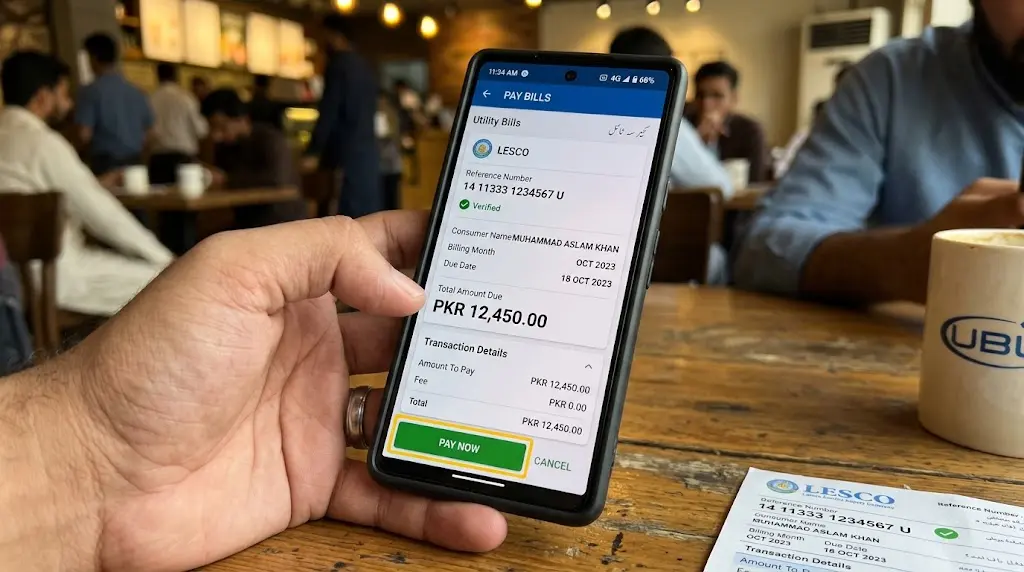
3. Your Bank App Works in Much the Same Way
If you already use mobile banking, you don’t need a separate system just for your electricity bill.
Most bank apps that support utility payments follow roughly the same idea:
Bill Payments → Electricity → MEPCO → Reference Number → Verify → Pay
The wording will differ by bank.
That distinction matters because online guides sometimes give a rigid list of buttons that becomes outdated as soon as a bank redesigns its app. I would rather remember the function than the exact menu location.
Find bill payments.
Choose the electricity provider.
Select MEPCO.
Enter the account information.
Then verify what comes back.
MEPCO’s published customer-service information confirms the availability of online payment facilities, while its service material also describes bill-payment facilities through financial institutions.
One useful habit is to keep the digital receipt after the transaction.
You don’t need to print it. A saved receipt, transaction number or confirmation screen gives you something to refer to if the payment later needs to be traced.
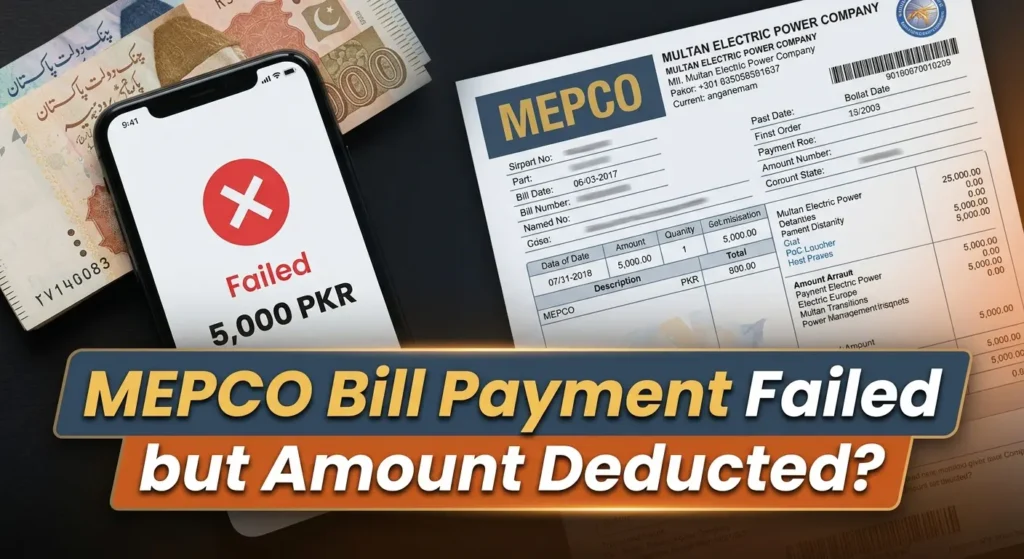
That becomes especially useful when a payment has been deducted from your account but hasn’t yet appeared against the electricity account.
Don’t delete the evidence just because the payment screen says successful.
4. Check the Bill Before Paying It
This sounds almost too obvious to deserve its own section, but it is probably the most important part of the process.
A payment service can retrieve a bill. That doesn’t mean you should stop checking what it retrieved.
Before confirming payment, compare:
- Consumer name
- Reference number
- Current payable amount
- Due date
- Any arrears shown
- Any late-payment amount
- Your own copy of the bill, if available
MEPCO’s Consumer Service Manual materials define arrears as an unpaid amount and distinguish the amount payable by the due date from the amount payable after the due date, which can include a late-payment surcharge.
So don’t look only at the big number at the bottom.
Look at what that number represents.
This is particularly useful if you are checking a bill after making an earlier payment. An amount still appearing on a later bill doesn’t automatically prove that your payment disappeared. Billing records and payment records have to be matched and posted correctly.
If you run into that situation, keep your payment receipt before doing anything else.
The related guide on why a MEPCO bill can still show arrears after payment goes into that issue in more detail. It is a useful reference when the payment has apparently gone through but the billing record hasn’t caught up yet.
And this is one reason I prefer checking the bill first and paying second.
They’re two different tasks.
5. What If You Don’t Have the Paper Bill?
You can still start online.
MEPCO provides duplicate-bill and online customer facilities, and its published service information specifically lists online payment and duplicate billing among the available services.
For a normal monthly bill, the practical process is:
Find the account details → retrieve the bill → check the amount → choose your payment channel → pay → save the receipt
You don’t need to turn the absence of a printed bill into a separate problem.
There is another benefit to checking the bill digitally. You can look at the current amount before deciding how you want to pay it.
That sounds minor, but it avoids the common situation where someone opens a payment app first, discovers an unexpected amount, then starts trying to work out why the bill is higher than expected while already sitting on the payment screen.
Check first.
Pay second.
If you regularly need previous bills, keeping copies is useful too. A previous bill can help when comparing consumption, checking an earlier payment or investigating a billing question. The site’s bill-history resource also recommends retaining previous billing information for those kinds of situations.
6. A Payment Being Successful Doesn’t Mean You Should Throw Away the Receipt
This is probably the habit I would change first for anyone who pays electricity bills online.
Save the transaction reference.
It doesn’t need to be complicated. Keep the digital receipt in your banking app, download it if the service allows that, or save the relevant confirmation information somewhere you can find it later.
Why?
Because a payment has two sides.
You have the transaction made through your bank or wallet, and you have the electricity account that needs to reflect that payment.
Most of the time, those systems line up without any trouble.
When they don’t, the transaction reference becomes useful.
NEPRA’s consumer framework recognizes payment information and billing history as part of the consumer’s billing record, while MEPCO’s own customer-service material provides facilities for billing and payment-related support.
If money has been deducted but the bill still appears unpaid, don’t immediately pay the same bill again.
Check the transaction status first.
Then contact the relevant bank, wallet or MEPCO customer-service channel with the payment evidence available.
MEPCO publishes a customer-service contact number, 0800-63726, on its website.
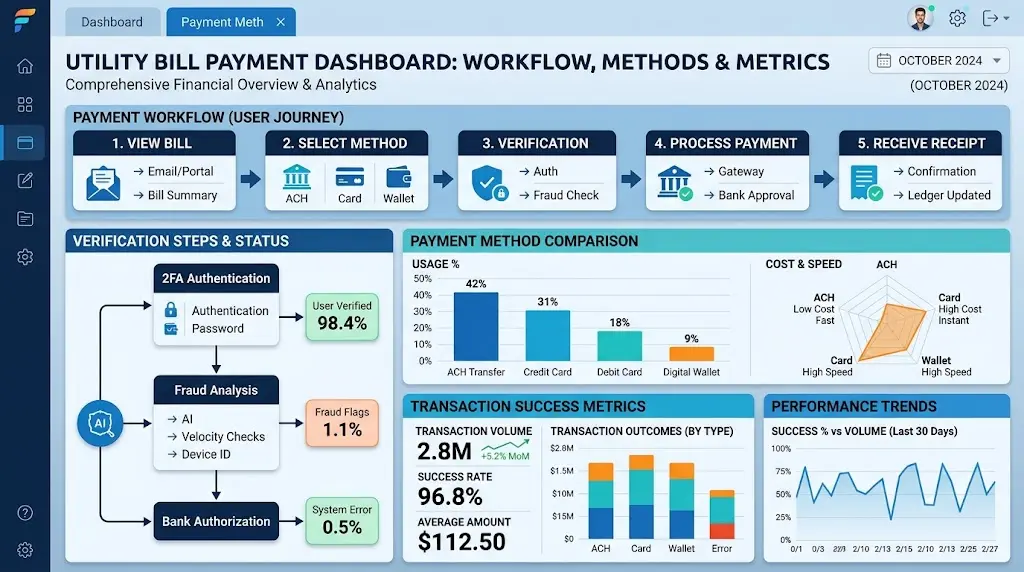
7. Choosing Between a Bank, Wallet, ATM or Physical Payment
Online payment doesn’t mean every consumer needs to use the same channel.
MEPCO’s payment arrangements include conventional collection routes as well as online facilities. Regulatory material has also recorded payment through banks, post offices and online methods.
A simple way to think about the options is this:
| Your situation | Practical route | What to keep |
|---|---|---|
| You already use mobile banking | Bank app | Digital transaction receipt |
| You keep funds in a mobile wallet | Mobile wallet | Wallet transaction ID |
| You prefer card-based payments | ATM, where MEPCO payment is supported | ATM/payment confirmation |
| You normally deal in cash | Authorized physical payment point | Stamped or issued receipt |
| You don’t have the paper bill | Online bill lookup first | Retrieved bill + payment receipt |
| You have a disputed or unusual charge | Check the bill and relevant MEPCO process first | Bill, previous bills and payment records |
There isn’t much value in choosing a payment method simply because somebody online calls it the fastest.
The useful method is the one you can use correctly and verify afterward.
For most people, familiarity wins.
8. Be Careful With Unusual Bills and Special Charges
A normal monthly bill is one thing.
A bill containing arrears, adjustments, an unusually high amount, or a detection-related charge deserves more attention before you pay.
MEPCO’s own FAQ explains that detection bills relate to matters such as illegal abstraction, direct hooking and meter slowness, while its billing guidance also distinguishes defective-meter estimated billing from ordinary readings.
So if you suddenly receive a much larger bill, don’t assume the payment method is the problem.
Look at the bill itself.
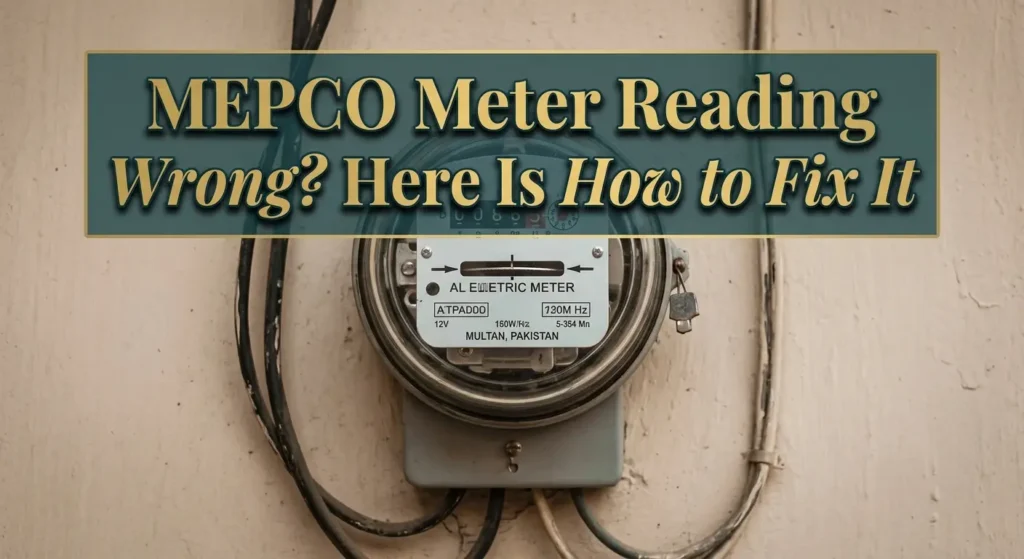
Check the meter reading, units, previous reading and any unusual charges.
MEPCO’s FAQ specifically advises consumers to compare the meter reading with the bill when investigating unusually high bills, and the site’s guidance on wrong meter readings explains the same practical check in more detail.
And this is where I would slightly reframe the idea of “paying your MEPCO bill online.”
Online payment is simply the final transaction step.
It shouldn’t replace checking whether the bill is correct.
If something looks wrong, deal with the billing issue rather than assuming that making the payment first will somehow make the problem disappear.
9. A Simple Routine I Would Follow Every Month
For a regular household bill, I wouldn’t make the process more complicated than it needs to be.
I’d check the latest bill first.
Then I’d confirm the reference number and amount.
After that I’d open whichever payment channel I already use, retrieve the bill using the requested account information, and compare the displayed consumer details.
If everything matches, I’d pay.
Then I’d keep the receipt.
That’s it.
The routine looks like this:
Check → Verify → Pay → Save receipt
That four-part habit is more useful than memorizing a particular banking app’s layout.
It also gives you a record at each stage.
If the amount looks wrong, you catch it before payment.
If the payment fails, you have the bill details.
If the money leaves your account but the billing record doesn’t update, you have the transaction reference.
If you later need to investigate an arrear, you have the previous receipt.
Small system, much less confusion.
For readers using mepcco-bill.pk, I would treat the site as an informational and bill-checking resource, then use the actual bank, wallet or other authorized payment channel to complete the financial transaction. The site’s own About page describes it as an independent informational platform rather than an official MEPCO organization.
10. The Part People Usually Overcomplicate
There is a tendency to think online bill payment requires some special technical knowledge.
It really doesn’t.
The difficult part isn’t pressing “Pay.” The difficult part is making sure the account, amount and payment record all line up.
And yes, there are plenty of small differences between banks and wallets. That’s why I wouldn’t promise that every app uses exactly the same buttons or that every payment will post at precisely the same speed.
Use the process, not somebody else’s screenshot.
Check the account.
Check the amount.
Confirm the payment.
Keep the receipt.
If something doesn’t match, stop and investigate before paying again.
That approach works whether you’re paying from a bank app, mobile wallet or another supported channel.
Frequently Asked Questions
Can I pay my MEPCO bill without a printed bill?
Yes. Online billing and payment services use the consumer’s billing identification information, such as the reference number, to retrieve the account. MEPCO also lists online payment and duplicate-bill facilities among its customer services.
What should I check before paying online?
Check the consumer name, reference number, amount payable and due date. If the information shown by the payment service doesn’t match your account, don’t confirm the transaction.
What happens if my money is deducted but the MEPCO bill still shows unpaid?
Keep the transaction reference and payment receipt. Check the transaction status with your bank or wallet before making another payment, then use the relevant customer-service channel if the payment needs to be traced.
Can I pay a MEPCO bill through a bank or other physical payment point?
Yes. MEPCO’s published information and regulatory material describe conventional collection channels alongside online payment facilities.
What if the bill itself looks wrong?
Check the meter reading, units, previous reading and unusual charges before paying. MEPCO’s own FAQ directs consumers to investigate discrepancies between the meter and the bill and provides customer-service routes for billing corrections.
Paying a MEPCO bill online is quick once the account information is right. The part worth slowing down for is the verification before payment.
Check the bill first, use a trusted payment channel, and keep the transaction record afterward. That small routine removes most of the unnecessary uncertainty from a monthly task.
For more billing information, you can also read about the updated MEPCO bill format and MEPCO’s new bill payment options.