MEPCO Bill Payment: 5 Mistakes That Cause Delays
A MEPCO bill payment can take less than two minutes. Fixing a payment problem after something goes wrong can take considerably longer.
The frustrating part is that many payment delays don’t start with a complicated technical problem. They start with a small mistake: entering the wrong Reference Number, assuming a failed transaction means the money never left the account, paying twice because the bill still shows unpaid, or simply forgetting to keep the transaction receipt.
I keep coming back to these small details because they’re where ordinary billing problems tend to become bigger ones. The payment itself is usually the easy part. Knowing what happened afterward is what matters.
Here are five mistakes worth avoiding whenever you pay a MEPCO bill.
1. Entering the Wrong Reference Number
This is probably the least complicated mistake, but it causes a surprising amount of confusion.
Your MEPCO Reference Number is tied to your billing record. When you use a banking app, mobile wallet, ATM, or another payment service, the information you enter needs to match the connection you’re actually trying to pay.
A single incorrect digit can create a problem.
You might get an error because the reference cannot be found. In another situation, you may end up checking a bill that doesn’t belong to the connection you intended to pay. That’s why I wouldn’t copy a Reference Number from memory, especially if you manage electricity bills for more than one property.
Before confirming the transaction, check the details shown by the payment service.
A useful habit is to keep the Reference Number somewhere accessible, but still compare it with the current bill before making the payment.
The updated MEPCO bill format also makes key billing information easier to locate, including consumer details, billing information and payment-related sections. That makes a quick verification easier than it used to be.
If you’re checking the bill online, don’t rush this part. Five seconds spent checking a number is much better than trying to trace a payment later.
A quick check before payment
| Check | What to confirm |
|---|---|
| Reference Number | It matches the current MEPCO bill |
| Consumer details | They correspond to the intended connection |
| Bill amount | It matches the amount you expect to pay |
| Due date | You know whether you’re paying before or after it |
| Payment channel | You’re using the intended bank, wallet or service |
Here’s where people usually go wrong: they see the consumer name or amount on the payment screen and assume everything is fine without checking the underlying reference.
Don’t skip the number.
2. Assuming “Payment Failed” Means Nothing Happened
This one deserves more attention.
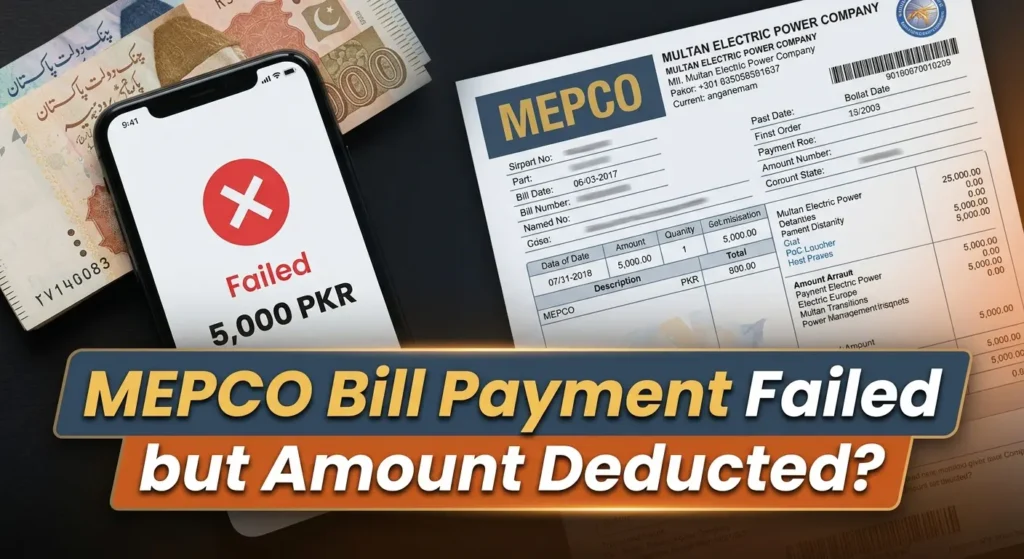
A payment application can display a failed or unsuccessful message while your bank account or wallet shows that money was deducted.
Those two messages appear contradictory, but they don’t necessarily describe the same stage of the transaction.
An electricity payment can pass through several connected systems. Your bank or wallet processes the transaction, a payment channel handles it, and the relevant billing system needs to receive and record the payment.
A connection problem at one stage can leave the transaction in an unclear state.
For example, suppose your MEPCO bill is Rs. 8,500. You pay through a mobile banking application. The application eventually shows an error, but your account has already been debited by Rs. 8,500.
The sensible response isn’t to immediately pay another Rs. 8,500.
First, preserve the transaction information.
Look for the transaction ID, payment reference, date, time and amount. Take a screenshot if necessary. Keep the receipt until you know whether the payment succeeded, remains pending, or has been reversed.
The practical possibilities look something like this:
| What happened | What it tells you | Sensible next step |
|---|---|---|
| Failed and no money deducted | Payment did not complete | Check the bill and try again |
| Failed but money deducted | Transaction needs verification | Keep the receipt and check its status |
| Successful but bill still appears unpaid | Posting may not have updated yet | Verify before making another payment |
| Money deducted and later reversed | Original payment was cancelled/rejected | Make a fresh payment if the bill remains due |
| Payment made against wrong reference | Intended bill may remain unpaid | Keep proof and contact the relevant support channel |
The exact outcome depends on the payment provider and transaction status.
And this is where your receipt becomes much more useful than a vague memory of what happened on the payment screen.
The payment guide on mepcco-bill.pk also stresses keeping payment evidence when a transaction needs to be investigated.
3. Paying Again Because the Bill Still Shows Unpaid
This mistake usually follows the previous one.
You make a payment. The money leaves your account. Then you check the bill and see an unpaid amount or arrears.
The natural reaction is to think the payment failed.
But a bill record and a payment transaction don’t always update at exactly the same moment.
The previous payment needs to be matched and posted to the relevant billing record. Until that happens, the older amount can continue appearing on a bill or billing record.
That doesn’t automatically mean your money disappeared.
It also doesn’t prove that MEPCO received the payment successfully.
You need to connect the two pieces of information.
Check:
- The payment date and time.
- The amount deducted.
- The Reference Number used.
- The transaction or receipt number.
- The payment status shown by the bank or wallet.
- The current MEPCO bill status.
If everything matches but the billing record hasn’t updated yet, don’t create a second payment simply because you’re uncomfortable with the delay.
This is one of the situations where patience is actually practical. Give the payment system time to update, then verify the result using your receipt and billing record.
The related guidance on mepcco-bill.pk explains the same distinction between a payment being made and that payment being correctly posted to the billing record.
What “arrears” does not automatically mean
An arrears amount means an unpaid amount is being carried in the billing record. It does not, by itself, prove that your previous payment disappeared.
The cause could be a delayed posting, an incorrect reference, a reversed payment, or another amount appearing on the account.
So don’t treat the word “arrears” as the end of the investigation. Look at the payment trail.
Numbers leave a trail. That’s much more reliable than memory.
4. Choosing a Payment Method Without Checking the Details
There isn’t one payment method that works equally well for every MEPCO consumer.
Some people use banking apps. Others prefer mobile wallets. Some still pay through a bank branch, ATM, post office, or another authorized collection channel.
MEPCO payment information published through the site’s recent guidance describes several available routes, including digital payment options and traditional collection channels.
The mistake isn’t choosing one method over another.
The mistake is treating the payment channel as if it doesn’t matter.
Different channels can have different interfaces, confirmation screens, transaction references and processing behavior. If you’re using an unfamiliar service for the first time, slow down enough to confirm the details before pressing the final payment button.
For a digital payment, I would check three things immediately:
First, the connection.
Make sure the Reference Number belongs to the bill you’re paying.
Second, the amount.
Check the amount displayed by the payment service before confirming.
Third, the confirmation.
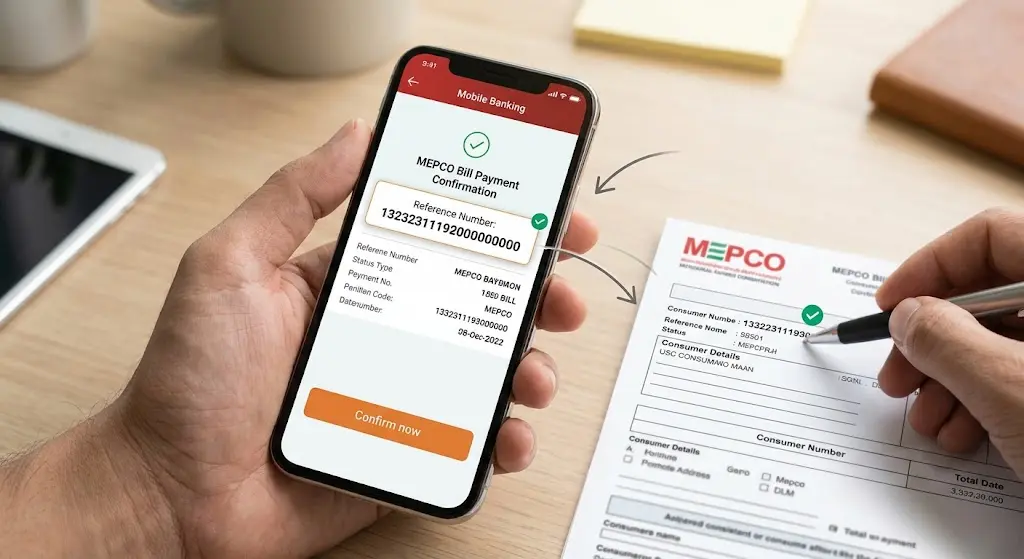
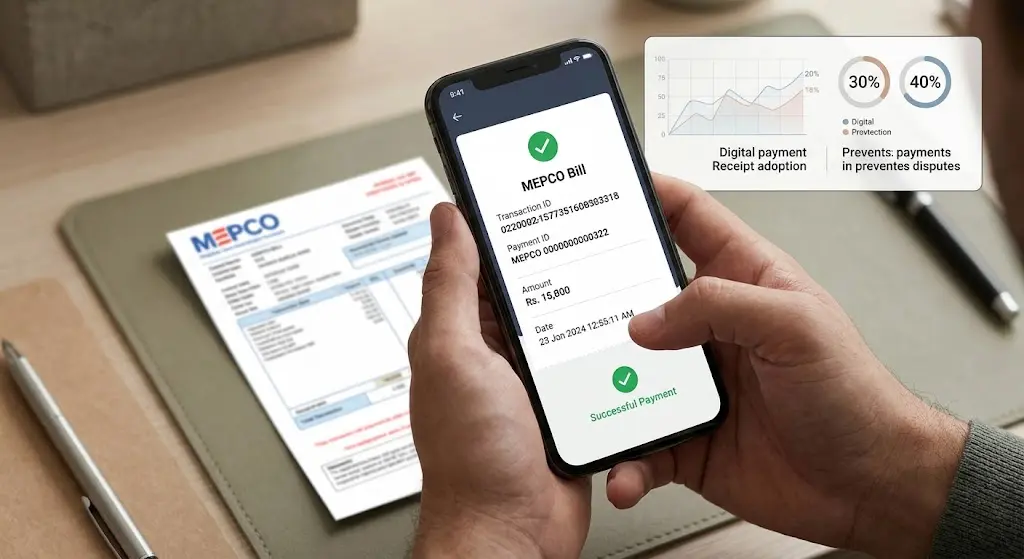
Don’t close the application immediately after payment. Save the receipt, transaction ID or confirmation screen.
That last step gets ignored a lot.
And it seems insignificant until something goes wrong.
A screenshot sitting in your phone’s gallery is far more useful during a complaint than trying to remember the exact time you made the payment.
A small side thought
I know people who delete payment notifications almost immediately because they don’t want their phone cluttered with old alerts. That’s fine for ordinary purchases.
Electricity bills are a little different.
If there is a billing dispute, a payment receipt can become the one piece of information that connects your bank transaction with the bill you were trying to settle. Keeping it for a reasonable period costs practically nothing.
5. Ignoring the Payment Until the Due Date
The final mistake is less about the payment technology and more about timing.
Leaving the bill until the last possible moment gives you very little room to deal with a failed transaction.
Suppose your normal payment method suddenly gives an error. Maybe the bank application is unavailable. Maybe the transaction is delayed. Maybe the amount is deducted but the confirmation doesn’t appear.
If the due date is still several days away, you have time to investigate.
If you discover the problem late on the due date, the situation becomes much more stressful.
That is why paying early has one practical advantage that has nothing to do with reducing the bill amount: it gives you time to deal with problems.
It doesn’t mean an early payment changes the underlying electricity charges. It simply gives you more breathing room if the payment process doesn’t go as expected.
This is especially useful if you’re using a payment method you haven’t used before.
The five mistakes at a glance
| Mistake | What can go wrong | Better habit |
|---|---|---|
| Wrong Reference Number | Payment or bill lookup doesn’t match | Verify the number before payment |
| Treating “failed” as final | A deducted payment may be overlooked | Check the transaction status |
| Paying twice | You may create a duplicate payment | Verify the first transaction first |
| Ignoring payment details | Errors become harder to trace | Save receipt and transaction ID |
| Waiting until the deadline | Less time to solve payment problems | Pay with enough time for verification |
That’s the routine I would keep beside any monthly bill.
Not complicated. Just deliberate.
6. What to Do When a Payment Problem Actually Happens
Let’s say you’ve already made one of these mistakes.
There is no benefit in panicking, and there is usually no benefit in making another payment immediately.
Start with the evidence you already have.
Open your bank or wallet transaction history. Find the payment. Check whether it says successful, pending, failed, reversed, or something similar.
Then compare the transaction details with the MEPCO bill.
If the money was deducted, keep the transaction reference. If it was reversed, wait for the reversal to be reflected before deciding how to proceed. If the payment was successful but the bill remains unpaid, allow time for the billing record to update and then verify it.
If the problem remains unresolved, use the appropriate customer support or complaint channel and provide the information they need.
That means giving them more than “I paid but it isn’t showing.”
Give them the Reference Number, payment amount, transaction date, transaction ID and proof of payment.
That turns a vague complaint into something that can actually be traced.
For consumers dealing with a separate billing problem, such as an incorrect meter reading, arrears issue or unusual bill, the payment problem should be kept separate from the billing dispute itself. Mixing the two makes both harder to understand.
7. A Better MEPCO Payment Routine Takes About a Minute
I don’t think monthly bill payment needs to become a complicated checklist.
A simple routine is enough.
Before payment, check the Reference Number and amount.
During payment, confirm the connection details shown by the payment service.
Immediately afterward, save the transaction receipt.
Then, if the bill doesn’t update straight away, don’t automatically pay again. Check the transaction status first.
That’s the whole habit.
On mepcco-bill.pk, I try to keep MEPCO billing guidance focused on this kind of practical distinction because consumers usually don’t need a long technical explanation when something goes wrong. They need to know which number to check and which action to take next.
The same principle applies to payment problems.
The screen might say “failed.” Your bank might say “debited.” The bill might still say “unpaid.”
Those three pieces of information need to be reconciled before you make another payment.
And if you’re checking your billing record regularly, keeping the latest receipt with the bill is a simple habit worth maintaining.
FAQs
What should I do if my MEPCO payment failed but money was deducted?
Don’t immediately make another payment. First check the transaction status in your bank or wallet, save the transaction ID and receipt, and verify whether the amount is eventually reversed or posted to the bill.
Why does my MEPCO bill still show arrears after I paid?
The payment may not have been posted to the billing record when the bill was generated. An incorrect Reference Number, a reversed transaction or another outstanding billing component can also produce an arrears amount. Check the payment receipt against the bill before paying again.
Should I pay my MEPCO bill again if the first payment is not showing?
Not automatically. First confirm whether the original transaction was successful, pending or reversed. Paying twice before checking the first transaction can create another problem.
What information should I keep after paying a MEPCO bill?
Keep the payment receipt or screenshot, transaction ID, amount, payment date and the Reference Number used. These details are useful if the payment later needs to be traced.
Which is the safest way to avoid MEPCO payment delays?
There isn’t one payment channel that eliminates every possible delay. The practical approach is to verify the Reference Number and amount, use a payment method you understand, keep the confirmation, and avoid leaving the payment until the last possible moment.
A MEPCO payment should be boring. Enter the right number, confirm the right amount, save the receipt and move on.
Most problems start when one of those small checks gets skipped.
For more help with MEPCO billing and payment issues, you can continue with the related guides available on mepcco-bill.pk.