MEPCO Bill Shows Unpaid After Payment? Here Is How to Check
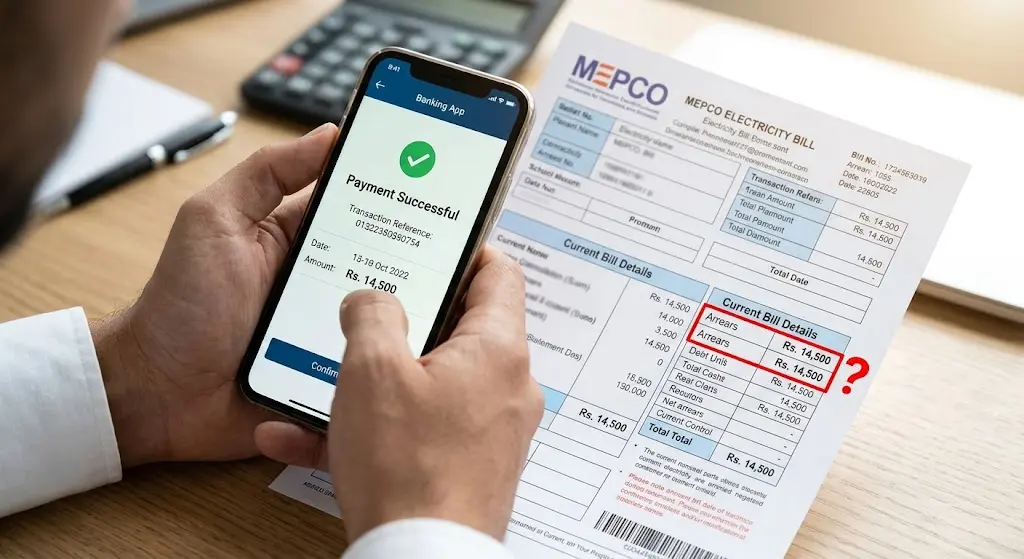
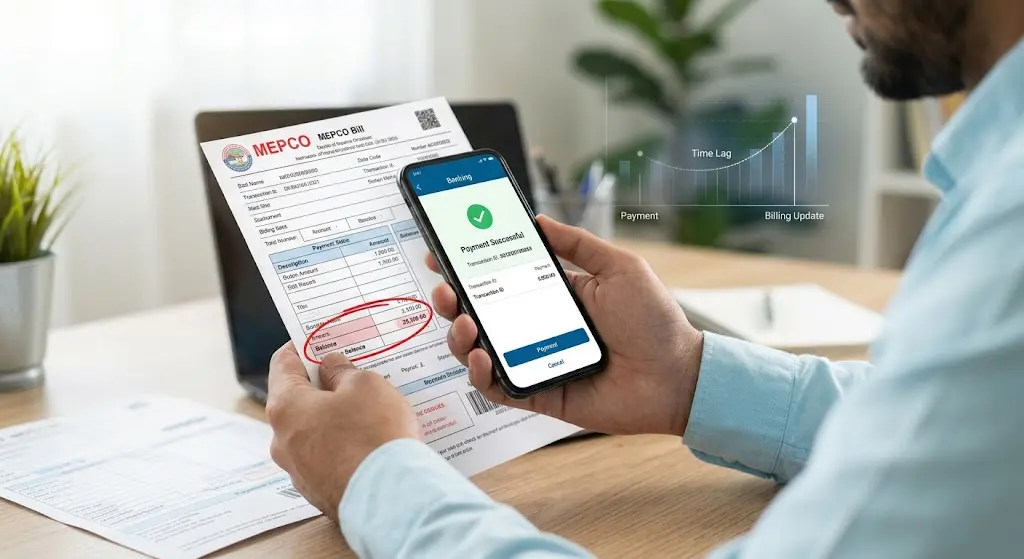
I’ve seen one billing mistake create a surprisingly long chain of confusion: someone pays a MEPCO bill, gets a successful payment message, and then checks the account again only to find the same amount sitting there as unpaid.
The first thought is usually simple: “The payment didn’t work.”
Sometimes that is exactly what happened. But not always.
A payment can be completed through a bank or wallet while the corresponding billing record has not yet been updated. A wrong reference number can also produce a successful transaction while leaving your own MEPCO account unpaid. And in some cases, the amount showing as arrears is not simply the previous bill at all.
So before paying the same amount twice, check the numbers.
That is the part I would focus on first.
1. A Successful Payment Does Not Always Mean the Bill Record Has Updated
There are two things happening when you pay an electricity bill.
Your bank, wallet, ATM or payment service processes the transaction. Separately, that payment has to be reflected against the relevant electricity account.
Those records have to match.
This is why a consumer can have a payment receipt in hand while a newly generated MEPCO bill still shows the previous amount under arrears. MEPCO-related billing guidance on mepcco-bill.pk has highlighted the same distinction, and NEPRA’s Consumer Service Manual defines arrears as an unpaid amount carried into the bill.
The timing matters particularly when you pay close to the due date or close to the next billing cycle.
For example, suppose your previous bill was Rs. 8,500. You pay it through a banking app on the evening of the due date. The bank confirms the transaction, but the next bill is generated before that payment has been properly reflected in the billing record.
The new bill might still display Rs. 8,500 as arrears.
That does not automatically mean you owe Rs. 17,000.
It means the payment needs to be traced.
Here is the quick way I separate the common situations:
| What happened | What the next bill may show | What to check |
|---|---|---|
| Payment posted before billing | Previous amount disappears | Nothing unusual |
| Payment made shortly before bill generation | Previous amount may still appear | Payment status and billing date |
| Payment rejected or reversed | Previous amount remains | Bank or wallet transaction |
| Wrong reference number used | Your own bill remains unpaid | Reference number |
| Payment completed but not matched | Arrears may remain | Receipt and MEPCO record |
| Genuine non-payment | Previous amount remains | Payment channel confirmation |
The mistake people usually make is looking only at the word unpaid and immediately making another payment.
Don’t do that until you know what the existing payment actually did.
2. Check the MEPCO Reference Number Before Assuming the System Is Wrong
This is one of the simplest checks, and it gets skipped surprisingly often.
Your MEPCO bill has a reference number associated with the electricity account. When you pay through a digital channel, that reference number is what identifies the bill you intend to pay.
Enter one digit incorrectly and the payment process can still appear perfectly normal.
The bank or wallet may successfully process the transaction because, from its perspective, the requested payment was valid. It doesn’t necessarily know that you intended to pay a different MEPCO account.
This is where people usually go wrong.
They see:
Payment Successful
and stop there.
Instead, compare these details:
- The reference number printed on your MEPCO bill.
- The reference number used during payment.
- The amount paid.
- The date and time of payment.
- The transaction or receipt number.
- The payment channel.
A single incorrect digit deserves attention.
This becomes even more important if one person manages several household bills. It is easy to have multiple reference numbers saved in a banking app and select the wrong account.
The safer habit is to check the consumer name and amount fetched by the payment system before confirming the transaction. MEPCO payment guidance published recently also recommends checking the fetched account details instead of rushing through the confirmation screen.
And save the receipt.
A screenshot saying “successful” is useful, but a proper transaction reference is much easier to trace later.
3. Look at What the Unpaid Amount Actually Contains
Another problem is assuming that every amount labelled as arrears represents one ordinary unpaid monthly bill.
It doesn’t necessarily.
NEPRA’s billing terminology separates arrears from items such as late payment surcharge, deferred amounts, installments and other billing components.
So if your previous bill was Rs. 7,000 and you now see Rs. 7,850 as an outstanding amount, don’t assume MEPCO simply added another Rs. 850 by mistake.
Find the difference.
It could relate to a late-payment amount, an adjustment, an installment arrangement or another item shown elsewhere on the bill.
I would read the bill line by line rather than starting with the large total at the bottom.
A useful check looks like this:
| Check | What you are trying to establish |
|---|---|
| Arrears | Which earlier amount is being carried forward? |
| Current bill | What belongs to the current billing cycle? |
| LPS | Was a late-payment surcharge applied? |
| Billing history | Does the earlier bill show as paid? |
| Payment receipt | Was the transaction completed? |
| Reference number | Did the payment reach the correct account? |
| Adjustments/installments | Is another billing component affecting the total? |
This is also why the exact wording on your bill matters.
If the amount showing as unpaid is exactly the same as the amount you already paid, the receipt becomes especially important.
If the amounts are different, find out why they differ before deciding what to do next.
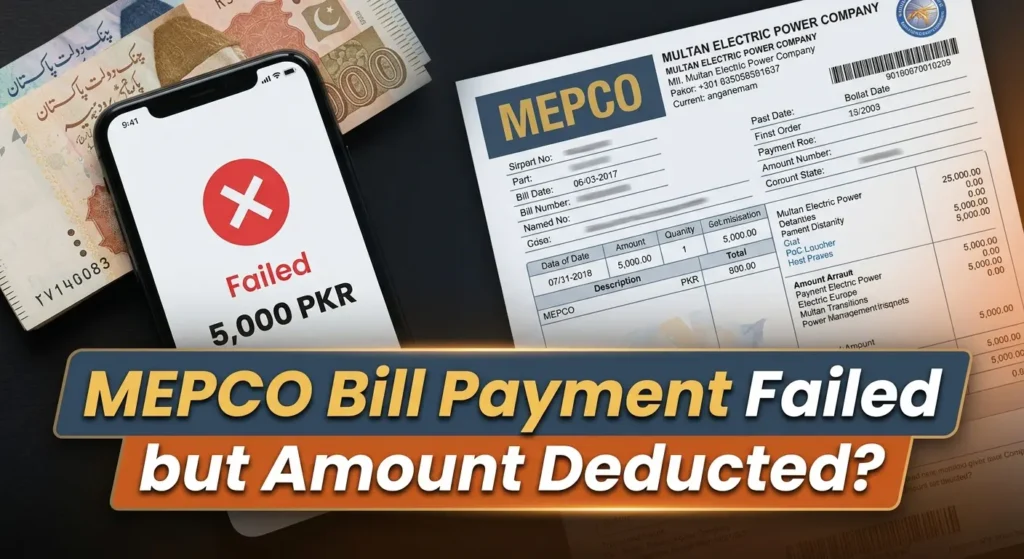
4. The Payment Was Deducted, but MEPCO Still Shows Unpaid
This is the situation that usually causes the most frustration.
You paid Rs. 12,400.
Your bank account shows the deduction.
The transaction says completed.
Your reference number matches.
Then you check the MEPCO bill and Rs. 12,400 is still sitting there.
I would not immediately pay another Rs. 12,400.
First establish whether the payment was actually completed by the payment provider and whether it was later reversed or rejected. If you used a bank, check the transaction status in the banking record. If you used a mobile wallet, check whether the transaction remained successful rather than being reversed. If you paid physically, keep the stamped receipt.
Then compare the payment details with the electricity account.
This is where a proper complaint becomes useful.
MEPCO lists 118 and 0800-63726 for customer complaints and service contact.
If the problem remains unresolved, NEPRA also operates a Consumer Complaint Management System. Its complaint process asks for the electricity reference or account number and details of the complaint, and the system provides facilities for registering and tracking complaints.
Don’t simply tell support, “My bill is wrong.”
Give them something they can trace.
Keep:
- The bill showing the unpaid amount
- The previous bill
- Payment receipt
- Transaction ID
- MEPCO reference number
- Payment date and time
- Bank or wallet details
- Any complaint number you receive
That turns a vague billing complaint into a transaction that can actually be investigated.
For more information about contacting MEPCO, see the site’s guide to its helpline and complaint contacts.
5. Paying the Same Bill Twice Is Not the Fix
There is a natural temptation to think, “I’ll just pay it again and sort out the extra payment later.”
I understand why people do it. Nobody wants an electricity connection to become the subject of a dispute because a payment is sitting somewhere in the system.
But duplicate payment creates another transaction that has to be reconciled.
If the first payment was valid and the second payment is also successful, you’ve now created a different problem.
So the better sequence is:
Receipt → Reference number → Amount → Date → Billing record → Complaint if needed
That sequence takes longer than pressing Pay again, but it gives you evidence.
MEPCO’s own customer-service information also identifies online payment and duplicate billing facilities, while NEPRA’s rules provide a framework for payment and consumer complaints.
And there is a small habit that helps more than people expect: keep your recent electricity bills and payment receipts together on your phone.
A folder called “MEPCO Bills” is enough.
It sounds almost too basic, but when a billing problem appears two months later, finding the original transaction is much easier when you haven’t deleted everything.
6. Here Is Where People Usually Go Wrong
The biggest mistake is treating a payment confirmation as the entire story.
A successful transaction tells you that a payment instruction was processed. It doesn’t, by itself, tell you that the correct electricity account now has the correct balance.
The second mistake is checking only the current bill.
Look at the previous bill as well.
If the previous bill was Rs. 6,500, you paid Rs. 6,500, and the new bill carries Rs. 6,500 as arrears, you have a clear number to investigate.
If the new bill shows Rs. 7,100, you need to find the extra Rs. 600.
The third mistake is ignoring payment dates.
NEPRA’s Consumer Service Manual states that the bill due date is generally within 15 days from the issue date, while late-payment surcharge is associated with payment after the due date.
So a payment made after the due date needs to be examined differently from one made several days before it.
And one more thing, don’t confuse a billing problem with a meter-reading problem. They can appear together on the same bill, but they are different issues and should be checked separately.
The same practical approach used in MEPCO Bill Check for other billing questions applies here too: identify the exact number that looks wrong, then trace where that number came from.
7. A Simple Check Before You Pay Anything Again
If I were checking a MEPCO bill that showed unpaid after payment, this is the order I’d use.
First: open the original payment receipt.
Confirm that the transaction is completed.
Second: compare the reference number.
The payment reference should correspond to the MEPCO account you’re checking.
Third: compare the amount.
If you paid Rs. 9,200 and the bill shows Rs. 9,200 as arrears, that is a useful clue. If it shows Rs. 10,050, investigate the additional Rs. 850.
Fourth: compare the dates.
Look at the bill issue date, due date, payment date and the date of the next bill.
Fifth: check the billing history.
Don’t rely only on the large payable figure.
Sixth: contact the relevant support channel if the discrepancy remains.
Give them the reference number and transaction details.
That last part matters. A support representative can investigate a reference number and transaction ID. “I paid it already” gives them much less to work with.
If you regularly check your bills online, keeping a copy of the previous bill is useful too. The site’s MEPCO bill-checking information can help you compare current billing details rather than relying entirely on an old paper copy.
8. When the Unpaid Amount Really Is Outstanding
Not every MEPCO bill showing unpaid after a payment is a temporary posting problem.
Sometimes the payment genuinely failed.
A bank transaction can be rejected. A wallet transaction can be reversed. A wrong reference number can be used. A physical payment can fail to complete properly.
And sometimes the bill simply wasn’t paid.
That distinction matters because NEPRA defines arrears as an unpaid amount, and its rules provide for outstanding dues to be considered when dealing with subsequent bills and disconnection procedures.
So don’t rely only on your memory.
“I remember paying it” is not the same thing as having a completed payment record.
At the same time, don’t assume every arrears figure is proof that your money disappeared.
Check the evidence first.
If the payment was completed, the reference number matches, the amount matches and the account still carries the same balance, you have a concrete billing issue to report.
If the payment failed or went to another reference number, the situation is different.
That is why the numbers matter more than the label.
FAQs
Why does my MEPCO bill show unpaid after I already paid it?
The payment may not have been reflected in the billing record when the new bill was generated. A wrong reference number, rejected transaction or reversed payment can also leave the account showing an unpaid amount. Check the payment receipt, reference number, amount and payment date before paying again.
How long should I wait before checking my MEPCO bill again?
There is no single posting period that applies to every payment channel and every situation. If you paid close to the billing date, give the transaction time to be processed and then check the account again. If the amount remains, investigate it using the transaction details rather than assuming the payment disappeared.
What if the unpaid amount is exactly the same as the bill I already paid?
Don’t automatically pay it twice. Compare the previous bill with the payment receipt, verify the reference number and check whether the payment has been properly credited to the account.
What should I do if money was deducted but the MEPCO bill still shows unpaid?
Keep the transaction record, receipt, reference number and current bill. Contact the payment provider and MEPCO with those details. MEPCO lists 118 and 0800-63726 for complaint and customer-service contact.
Can a late payment surcharge be involved?
Yes. NEPRA defines late payment surcharge as an amount associated with non-payment within the due date, so the date of payment matters when you compare the old bill with the new one.
A MEPCO bill showing unpaid after payment deserves a check, not a guess.
Start with the transaction. Match the reference number. Match the amount. Check the dates. Then look at what the bill actually lists as arrears.
That small process can tell you whether you’re dealing with a delayed posting, a wrong reference number, a failed payment, or a genuine outstanding amount.
And if the figures still don’t line up, keep the evidence and report the specific discrepancy rather than paying the same bill twice.